Amazon Seller Registration Guide in India (Step-by-Step)
Online shopping has grown rapidly in India during the last few years. Many small businesses and individuals now prefer selling their products through online marketplaces instead of opening physical stores. One of the most popular platforms for this purpose is Amazon India.
Amazon provides access to millions of customers across the country. With reliable delivery systems, secure payments, and powerful tools for sellers, the platform makes it easier for new entrepreneurs to start an online business. If you are planning to begin selling online, creating an Amazon seller account can be a great first step.
Why Sell on Amazon India?
Amazon offers a ready marketplace where sellers can reach customers in almost every part of the country. Instead of investing heavily in marketing or logistics, sellers can use Amazon’s infrastructure to manage orders and deliveries.
- Access to millions of online shoppers
- Reliable delivery network across India
- Secure payment system
- Tools for advertising and product promotion
- Opportunity to grow a nationwide business
Documents Required for Amazon Seller Registration
Before starting the registration process, keep the following documents ready. These are commonly required for verification and account setup.
- PAN card
- GST number (for most product categories)
- Bank account details
- Valid address proof
- Active mobile number
- Email address
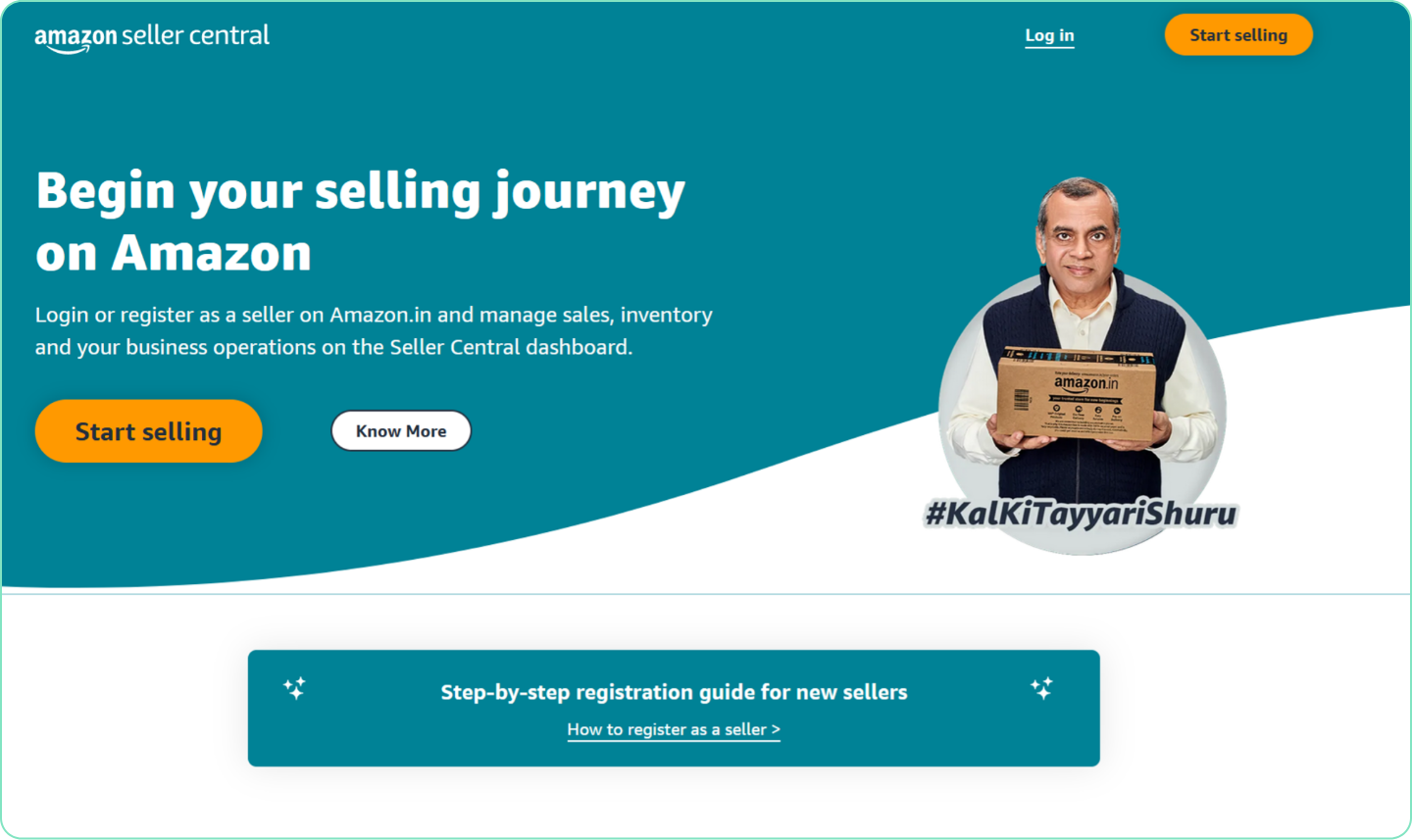
Step-by-Step Amazon Seller Registration
Step 1: Visit Amazon Seller Central
Open the Amazon Seller Central website and click the “Start Selling” option. You can sign in using your existing Amazon account or create a new one for your business.
Step 2: Enter Business Information
During registration you will be asked to enter your name, address, and type of business. This information helps Amazon verify your seller account.
Step 3: Tax Verification
You will need to submit your PAN details and GST number if your product category requires it. Amazon verifies these details before activating your account.
Step 4: Bank Account Setup
Add your bank account information so that Amazon can transfer your earnings from product sales directly to your account.
Step 5: Set Pickup Address
The pickup address is the location from where courier partners will collect your orders. This address should be accurate for smooth delivery operations.
Step 6: List Your Products
Once the account is active, you can start listing products by adding titles, images, descriptions, price, and inventory details.
Step 7: Choose Fulfillment Method
Amazon offers multiple fulfillment options including self-shipping, Easy Ship, and Fulfilled by Amazon (FBA). Each option has its own benefits depending on your business model.
Tips for Beginners
- Choose products with stable demand
- Use clear images and accurate descriptions
- Keep competitive pricing
- Maintain good customer service
- Use Amazon advertising tools carefully
Final Thoughts
Starting an Amazon seller account in India can open many opportunities for individuals and small businesses. With the right products, proper pricing strategy, and consistent customer support, sellers can build a successful ecommerce brand over time.